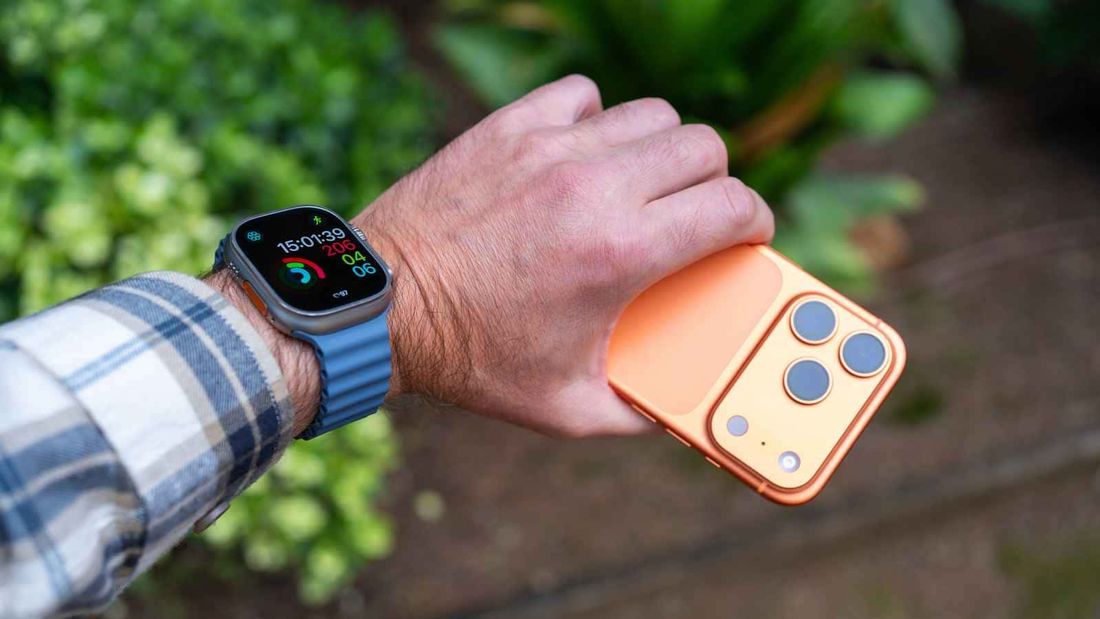
Apple Watches offer a feature that allows users to tell the time through haptic vibrations on their wrists, without having to look at the watch screen. Known as Taptic Time, the feature relies on the watch's Taptic Engine.
According to a report published by Engadget, the feature provides an alternative way to check the time through different vibration patterns that can be customized to suit users' needs.
How to Enable Taptic Time
To activate the feature, open the Settings app on your Apple Watch, select Clock, tap Taptic Time, and turn it on. Three patterns will then be available to choose from: Digits, Terse, and Morse Code.
The Digits pattern is the most precise and straightforward. It uses long vibrations to indicate tens and short vibrations to represent units, for both hours and minutes. For example, to indicate 10:09, the watch sends one long vibration, followed by a pause and then nine short vibrations.
The Terse pattern uses long and short vibrations to communicate the time in a more abbreviated format, while Morse Code relies on Morse code signals to convey the time through vibrations.
Who Benefits Most from This Feature?
This feature is particularly useful for people with visual impairments, allowing them to tell the time and use their smartwatch's functions without having to read the screen.
It may also benefit people who find it difficult to look at their wrists while exercising or operating certain forms of transportation, as well as those who want to check the time without interrupting their activities.
Apple also allows users to activate the feature by double-tapping the watch face while the screen is inactive when using VoiceOver.
However, repeated vibrations may become annoying for some users, particularly when using the more detailed patterns.
Taptic Time reflects a broader trend toward using haptic technology to make smartwatches easier to use and provide accessibility options tailored to the needs of different user groups.