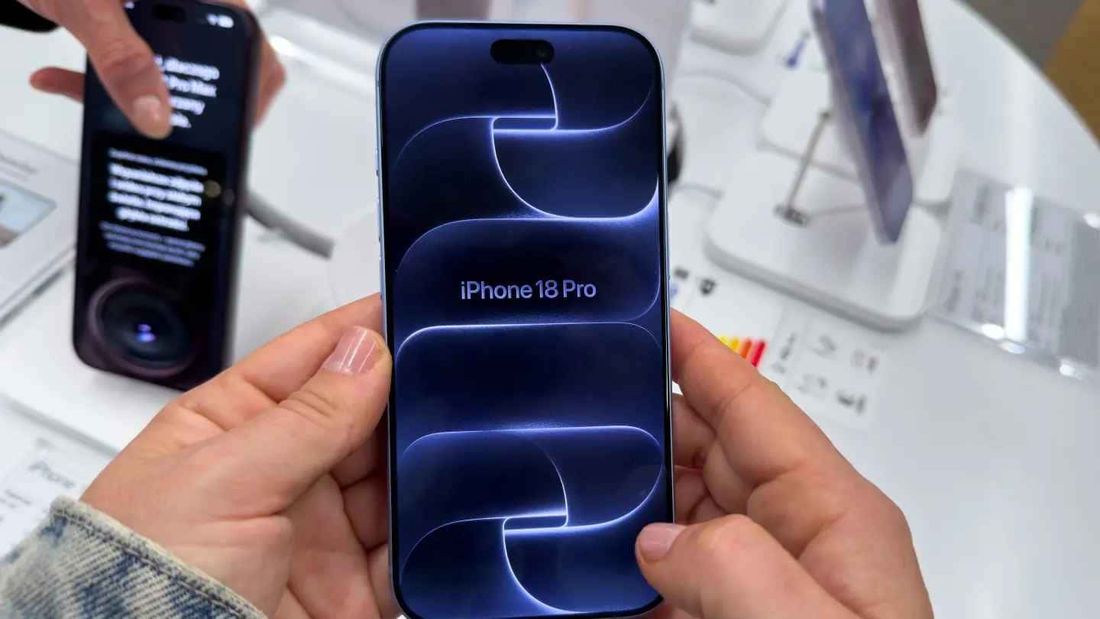
The iOS operating system offers a range of settings that help iPhone users limit mobile data consumption and avoid exceeding their monthly data allowance or having their connection speed reduced once their allowance runs out.
According to a report published by Engadget, users can identify the apps that consume the most data by going to "Settings," then "Cellular," and scrolling down to the data usage list, where the amount of data used by each app is displayed. Users can also disable cellular data access for specific apps to limit their activity when they are not connected to a Wi-Fi network.
The system also allows users to enable Low Data Mode through the cellular data settings. This option reduces internet consumption by restricting certain automatic updates and background activities.
Another setting that may help save data is disabling the "Connectivity Assist" feature, which automatically switches the connection to the mobile network when a Wi-Fi network becomes weak or congested. This can lead to data being consumed without the user's knowledge.
The report also recommends turning off automatic app updates and disabling backups over cellular data, as well as lowering music and video streaming quality, particularly when using services such as Apple Music, Spotify, and YouTube Music.
Data consumption can also be reduced by downloading maps for offline use, disabling automatic downloads of photos, videos, and files in WhatsApp, and enabling data-saving options in social media apps such as Instagram.
These steps help users monitor and control their data usage while reducing the likelihood of exhausting their monthly allowance due to updates and background activities.